PDF viewing
Open documents, browse pages with cached thumbnails, and read at the zoom you choose.
View, organize, convert, search, and work with PDF documents using a practical Windows desktop application.
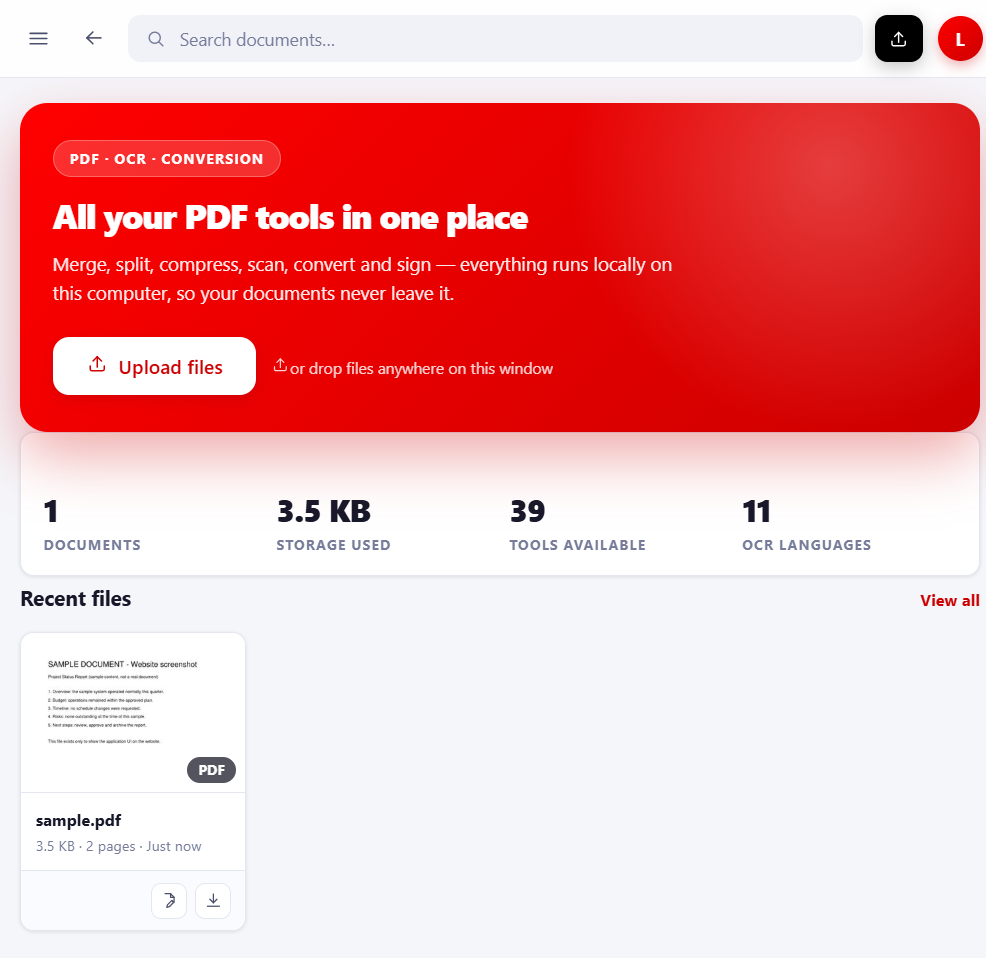
Each capability below exists in the shipped build and is exercised by the 43-suite regression gate (latest run 2026-10-17: 43 / 43 suites PASS). Nothing here is a mock-up.
Open documents, browse pages with cached thumbnails, and read at the zoom you choose.
Change existing text and add new content — while the page keeps looking like the original.
Turn scans and photos into text you can search, select and fix — offline, with the English PP-OCRv5 model.
Move documents between PDF, Word, Excel and images with validation before anything is called “done”.
Assemble, rearrange and finish documents without a second tool.
Shrink documents and images — either pick a level or name the exact file size you need.
A practical tool earns trust by never lying about what it did.
The server listens on 127.0.0.1 only. There is no upload, no account, no telemetry and no analytics code in the product.
Compression sizes are re-measured, redactions are re-read, Excel files are opened and checked — the app verifies its own output.
Edits reuse the document's own embedded fonts; OCR covers are fitted to the ink so tables and borders survive untouched.
The local AI Assistant only shows sentences that were re-read from your file — quoted, page-scoped, and confirmed before display.
Five steps, the same every time — no hidden dialogs.
Installer shortcuts, .pdf association or the portable START-APPLICATION script — no Python, no internet.
Drag a PDF anywhere onto the dashboard. Scans are auto-rotated and auto-straightened on upload.
OCR, convert, edit, compress, organise, secure or print — every tool follows the same pick → set → run pattern.
The outcome card states exactly what changed (size before/after, pages touched, warnings). Nothing claims success it did not check.
Download, open the output folder or reveal it in Explorer — the original file is never overwritten behind your back.
Every use case maps to a capability that is tested in the shipped suite.
Edit contracts, fill scanned forms, add signatures, merge packets and print with page numbers.
Turn lecture scans into searchable text, extract quotes, convert readings to Word for notes.
Extract tables to real Excel, batch-compress statements, search amounts across the library.
Password-protect with AES-256, permanently redact, compare revisions, keep everything offline.
Run watermark/compress/rotate jobs across up to 200 files with a CSV report and retry for failures.
Per-user install without admin rights, self-contained portable package, health check for support.
Captures taken from the running build — no marketing mock-ups.
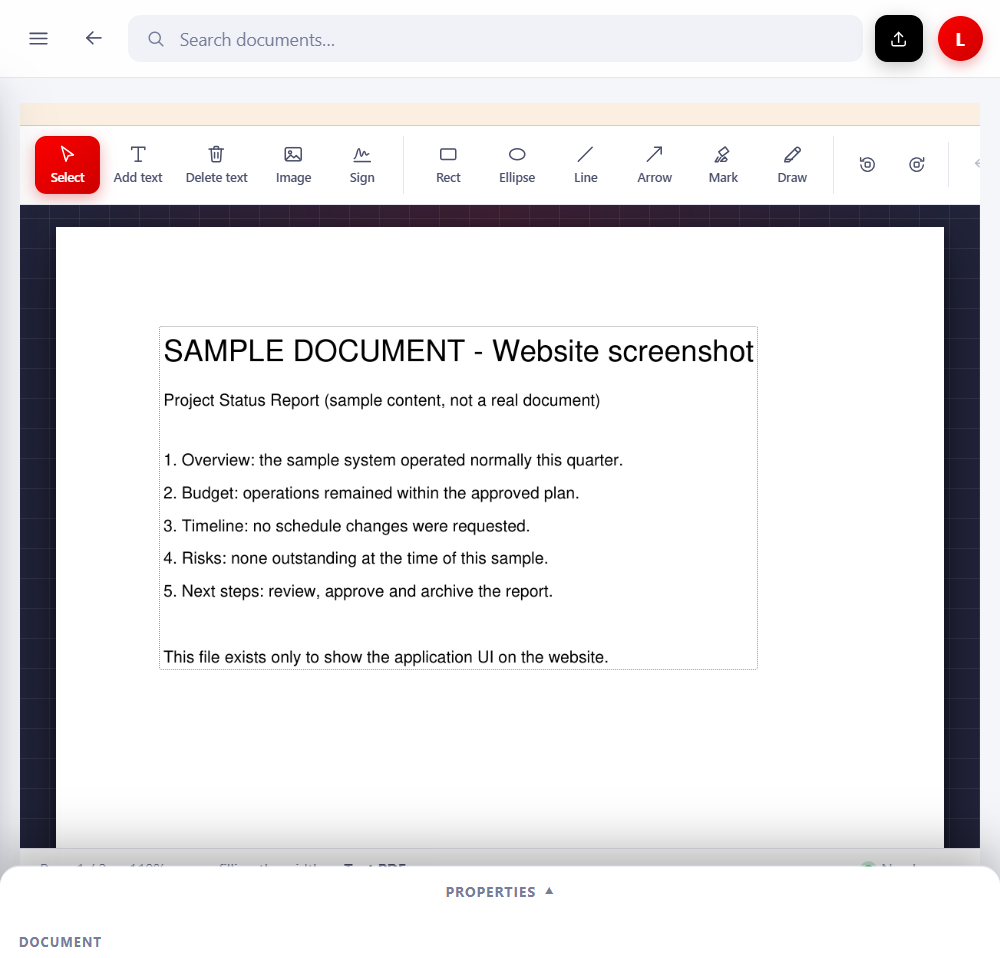
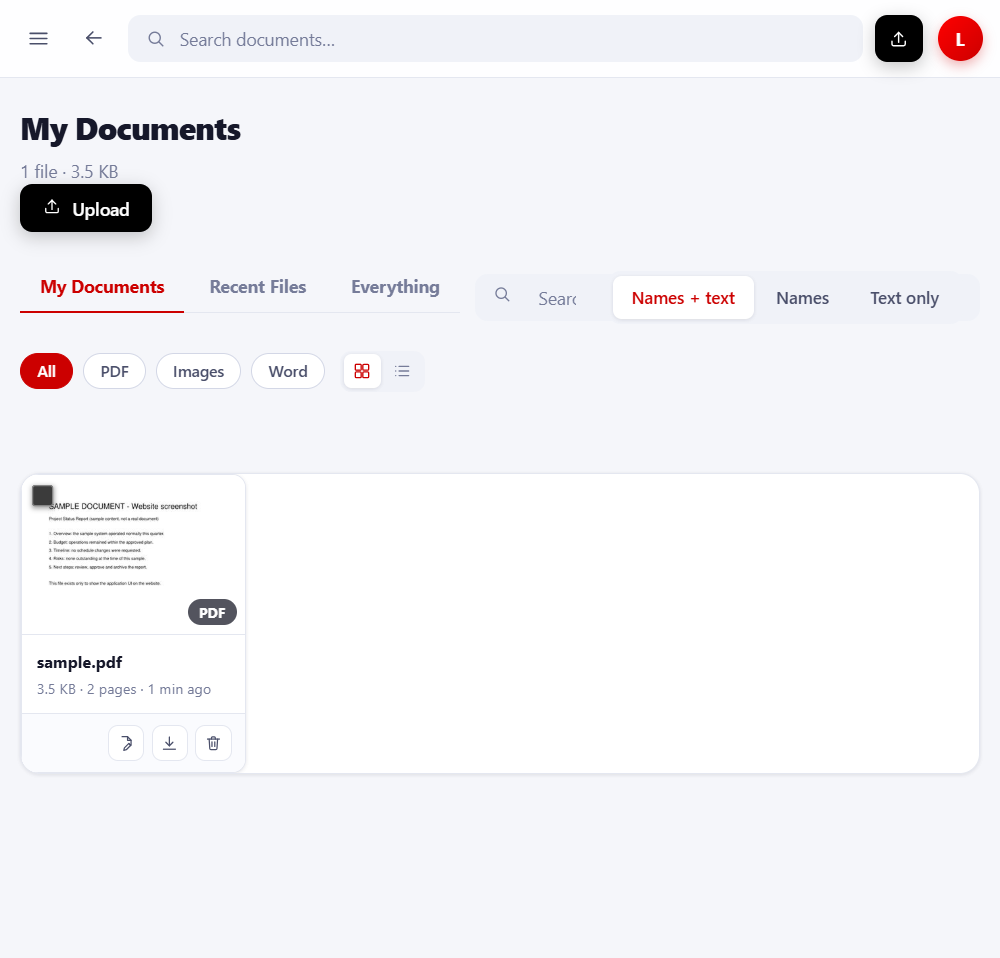
Version 1.7.0 — printing, the professional distributable and the PDF AI Analyst.
Source: CHANGELOG.md (1.7.0 final build — 2026-10-11).
Verified packages (SHA-256 published on the Download Center):
Windows installer
IrfanPDF_Setup_1.7.0.exe · 110.6 MiB
Portable package (self-contained)
IRFAN-PDF-PROFESSIONAL.zip · 148.6 MiB
Source package (needs Python)
IrfanPDF_Portable.zip · 7.3 MiB
Exactly what the installation guide states — nothing else to install.
Source package, if you already have Python
IrfanPDF_Portable.zip is the application sources: it bundles no Python, so it needs the PC’s own Python 3.10+ and one pip install -r requirements.txt (its README says so, and the launcher is in the folder root). Use the installer or the Professional package unless you specifically want the sources. Details on the Download Center.Current features (verified)
Planned / future
Nothing in the “planned” list exists today. See the roadmap page for the full separated lists.
The four questions people ask before downloading.
No. The application binds to 127.0.0.1 on your machine; no HTTP client, telemetry or analytics exists in the code.
Read more →No. The installer and the Professional package carry their own Python runtime — Windows 10/11 64-bit is the only requirement.
Read more →Searchable OCR keeps the original appearance (invisible text layer). Editable OCR may re-lay-out glyphs it covers — both are documented with their limits.
Read more →They are refused with an explanation instead of being modified — adding a text layer would invalidate the signature.
Read more →